
Maelstrom
Project repository: https://github.com/libsdl-org/Maelstrom.git
Maelstrom is an Asteroids clone, ported to SDL, but was originally created in 1992 for Mac OS. Refer to the Maelstrom Wikipedia entry for more information about the game: https://en.wikipedia.org/wiki/Maelstrom_(1992_video_game).
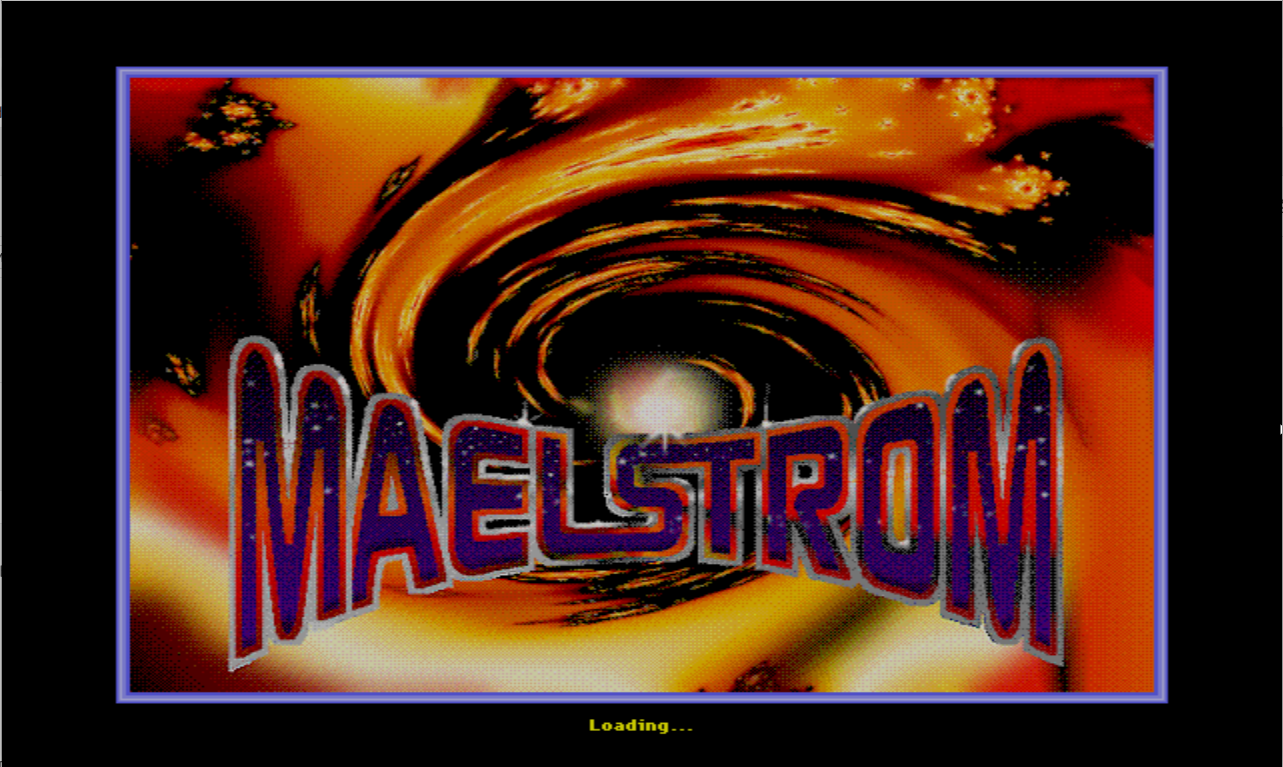
The purpose of this project is to build a version of the game ported to QNX. You're greeted with the following loading screen once you've launched the game successfully:
Building the project
You can build this project via command line or with Geany. Instructions for both options are detailed below.
- To help with cut and paste commands, select the Applications menu, then Internet > Web Resource > Self-Hosted Developer Desktop Guide to view this tutorial on your desktop.
- Currently, audio doesn't work on QEMU.
Building via command line
Navigate to the project folder:
cd ~/projects/MaelstromConfigure the project:
autoreconf -fi
chmod u+x autogen.sh
./autogen.sh
CC=clang CXX=clang++ \
CFLAGS="${CFLAGS} -Wno-reserved-user-defined-literal -Wno-register -Wno-implicit-function-declaration" \
LDFLAGS=" -L/usr/lib -lSDL2 -lm -liconv -lscreen -lEGL -lsocket" \
./configure --with-sdl-prefix=/usr --prefix=/usr --disable-sdltest
Build the project:
make -j4Install the executable and its related files:
sudo make install install-exec install-data install-amGet read permission for the Maelstrom game files:
sudo chmod -R a+r /usr/games/maelstrom/*Create a script to launch the game from /usr/bin (this is needed for the game to unpack its assets from its executable file):
sudo vi /usr/bin/launchMaelstromPaste the following content into the script, then save and exit:
#!/bin/bash

SDL_VIDEODRIVER=qnx Maelstrom -windowed
Make the script executable:
sudo chmod a+x /usr/bin/launchMaelstromLaunch the game and have fun!:
launchMaelstrom
Building with Geany
Launch Geany. From the desktop, select Applications > Development > Geany.
Select the Project menu, then Open.
Navigate to the Maelstrom project folder (~/projects/Maelstrom) and select Maelstrom.geany.
Select Build > Configure. This step configures the project to generate the Makefiles needed to build it.
Select Build > Make to build the project.
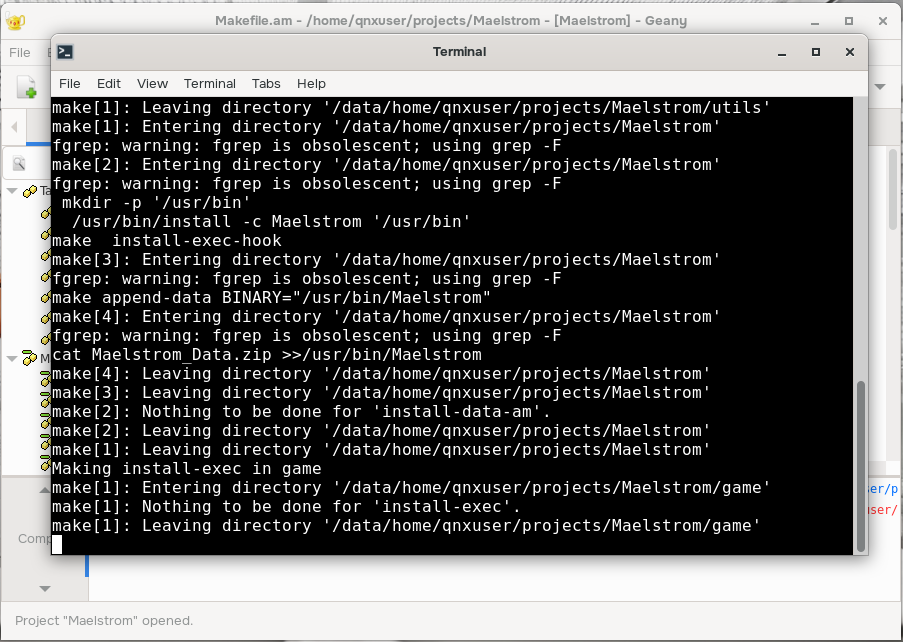
Select Build > Install to install the game. The following terminal opens:
Open a new terminal.
Create a script to launch the game from /usr/bin (this is needed for the game to unpack its assets from its executable file):
sudo vi /usr/bin/launchMaelstromPaste the following content into the script, then save and exit:
#!/bin/bash

SDL_VIDEODRIVER=qnx Maelstrom -windowed
Make the script executable:
sudo chmod a+x /usr/bin/launchMaelstromLaunch the game and have fun!:
launchMaelstrom
How to play
| Key | Action | Notes |
|---|---|---|
| L | Cheat Menu | Press the L key at the menu screen to bring up a cheat menu, allowing you to select the number of lives, the wave number up to 40, and Turbofunk, or fast motion. |
| X | Hidden Poem | Displays a pop-up with a hidden poem. |
| A | About | Displays pop-ups with information on the game. |
| M | Multiplayer | Requires networking set up. For more information, refer to https://github.com/libsdl-org/Maelstrom/blob/main/README.network.txt. |
| C | Settings | |
| S | Game Center | |
| P | Play | Starts the game. |
| Q | Quit | Exits the game. |