![[Previous]](../prev.gif) |
![[Contents]](../contents.gif) |
![[Index]](../keyword_index.gif) |
![[Next]](../next.gif) |
|
|
|
|
 |
This version of this document is no longer maintained. For the latest documentation, see http://www.qnx.com/developers/docs. |
Photon screensaver options
savercfg [-s server] [-x position] [-y position]
Neutrino
| If server_name is: | This server is used: |
|---|---|
| node_path | node_path/dev/photon |
| fullpath | fullpath |
| relative_path | /dev/relative_path |
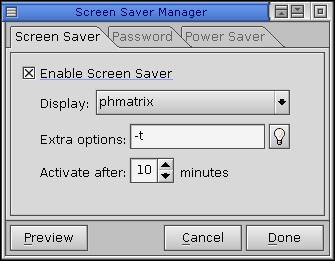
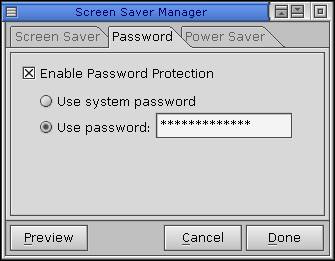
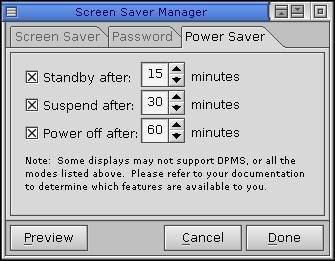
The savercfg command displays a dialog for setting screensaver options, a screensaver password, and power saver options:
 |
Not all hardware configurations support Display Power Management System (DPMS) power saving modes. |
Using the Photon microGUI in the Neutrino User's Guide
|
|
|
|